Marketplace Listing Kit: AI Product Photos Fast
Turn one product photo into a marketplace-ready listing image plus AI-resized variants for product cards, Pinterest, stories, and social selling.
Marketplace product photos have to work harder than a normal social post. A seller needs a clean main listing image, but that same product also has to fit product cards, Pinterest pins, story placements, TikTok Shop-style vertical formats, emails, ads, and shop updates.
The problem is not just making a nicer image. It is keeping the product accurate while changing the format.
The ImageFix Marketplace Listing Kit blueprint is built for that job. Upload one product photo and it creates a clean main listing image, checks it for product accuracy, then generates AI-resized variants for the formats sellers actually reuse.
What the blueprint creates
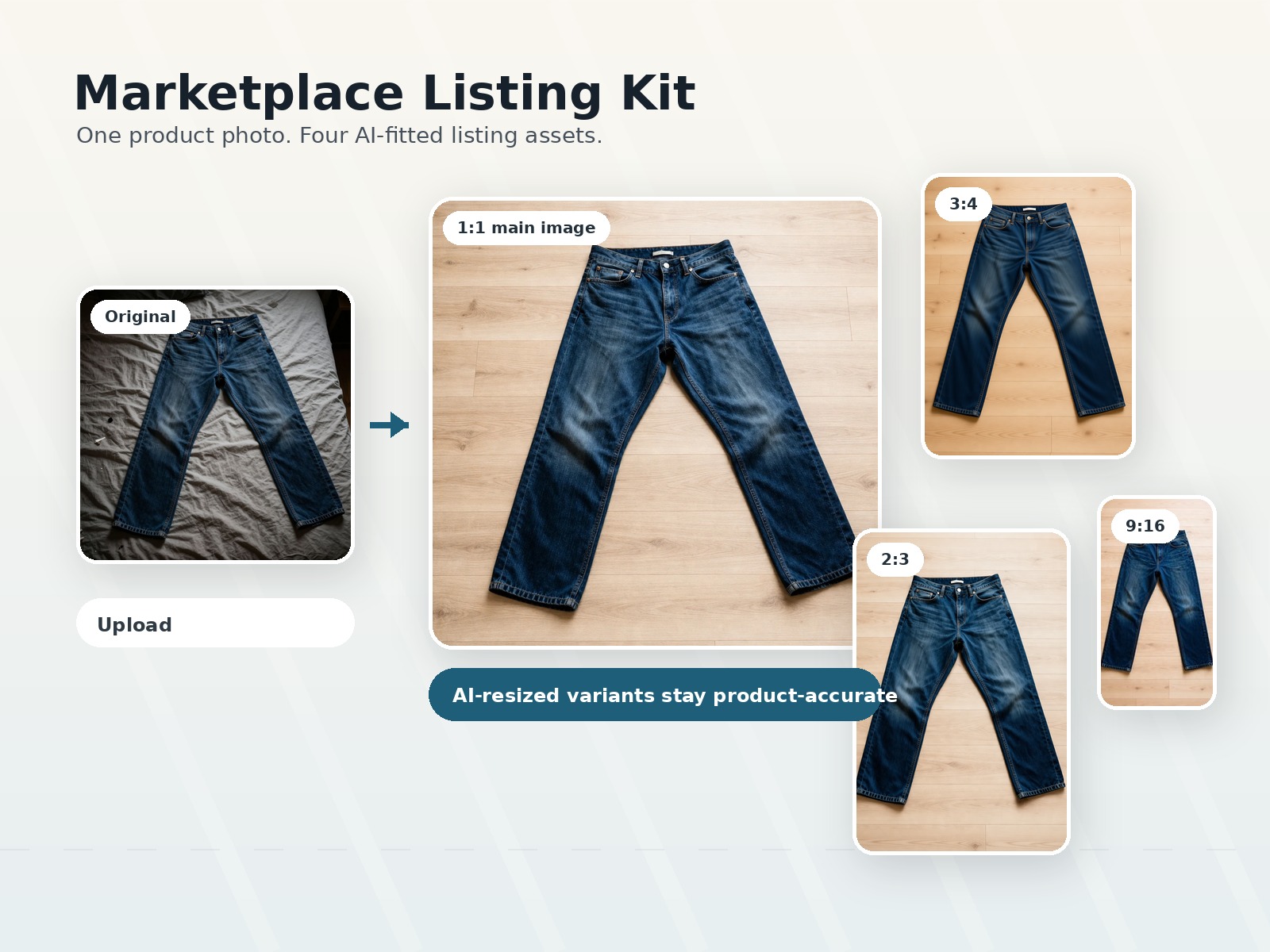
Every successful run produces four images:
- A square 1:1 main listing image
- A 3:4 product card image
- A 2:3 Pinterest-style product pin
- A 9:16 vertical story image
That matters because most sellers do not need one perfect image in isolation. They need a usable set. A square image might work for a marketplace thumbnail, but it can feel cramped in a tall pin. A vertical story crop can cut off the product if it is resized mechanically. A product card can need more breathing room than a catalog square.
Marketplace Listing Kit uses AI for those format changes so the product can stay intact instead of being blindly cropped.
Example: one jeans photo, four listing assets
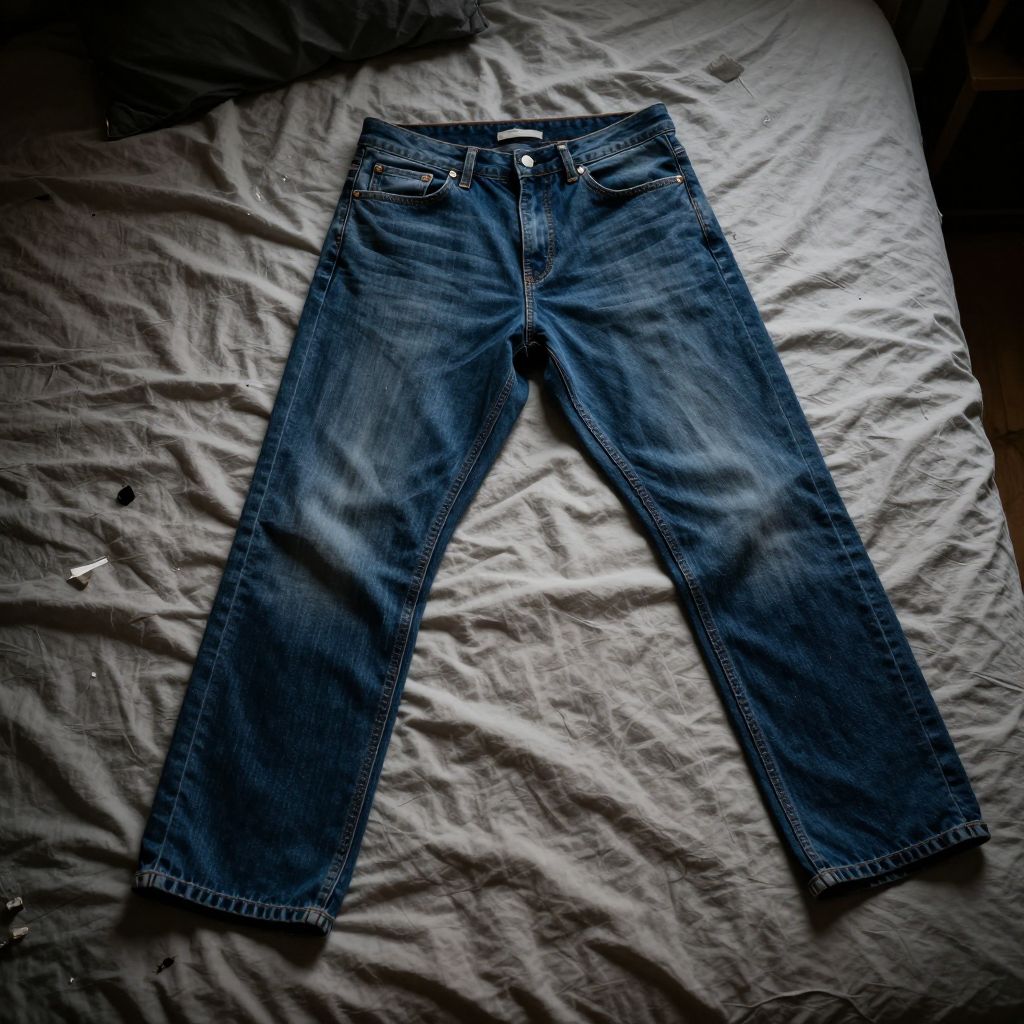
Here is the original product photo. The jeans are visible, but the photo is dark, the bed background is distracting, and the lighting does not feel like a listing-ready product image.
Original upload
Marketplace-ready main image
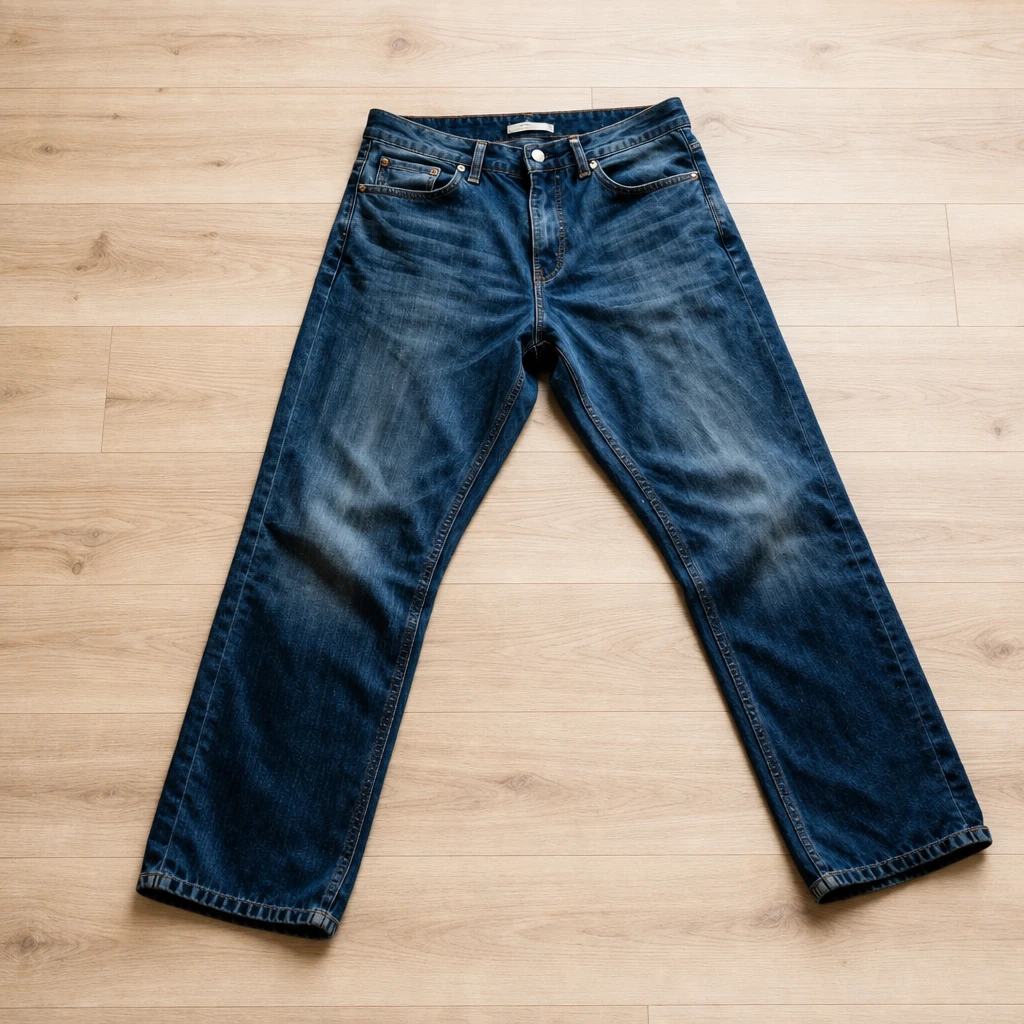
The main image keeps the jeans as the subject and replaces the distracting surface with a cleaner product-photo background. From there, the blueprint creates additional outputs sized for common selling channels.
3:4 product card
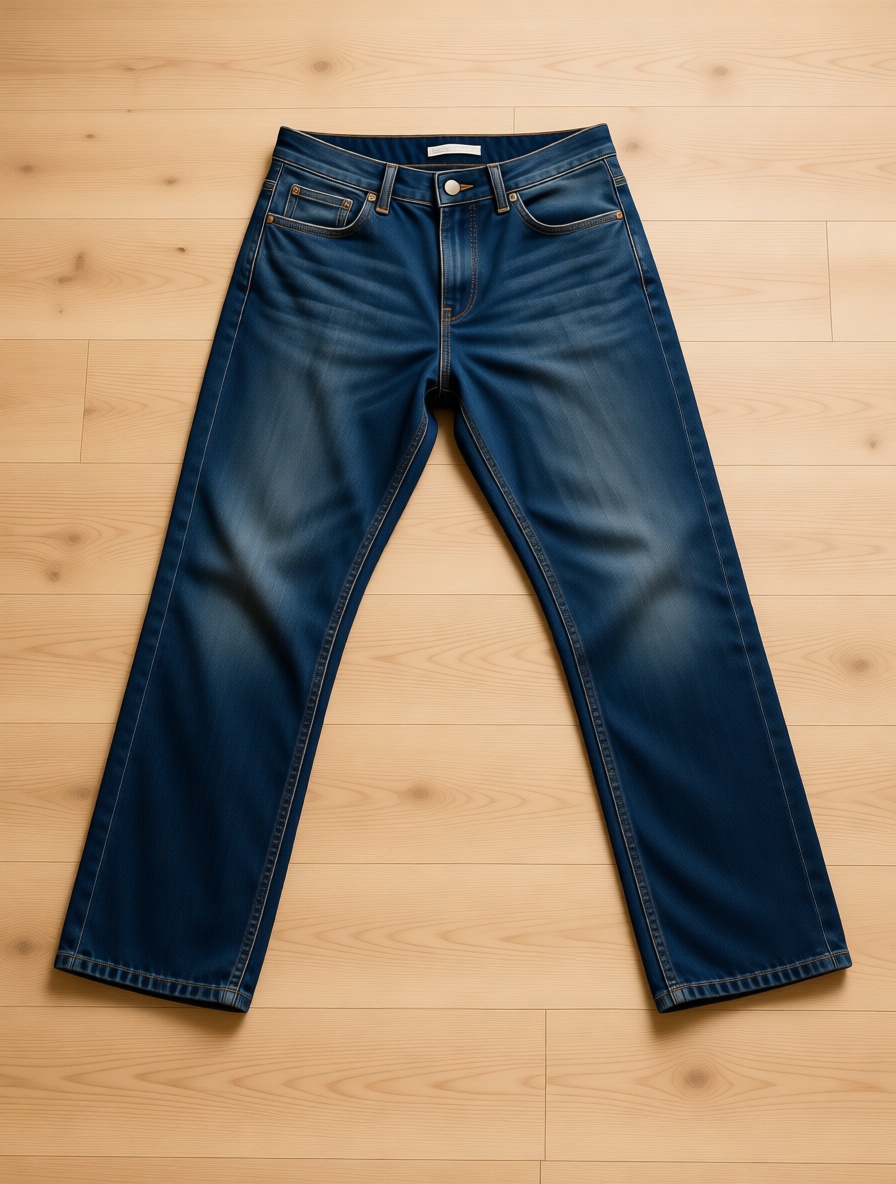
2:3 Pinterest pin
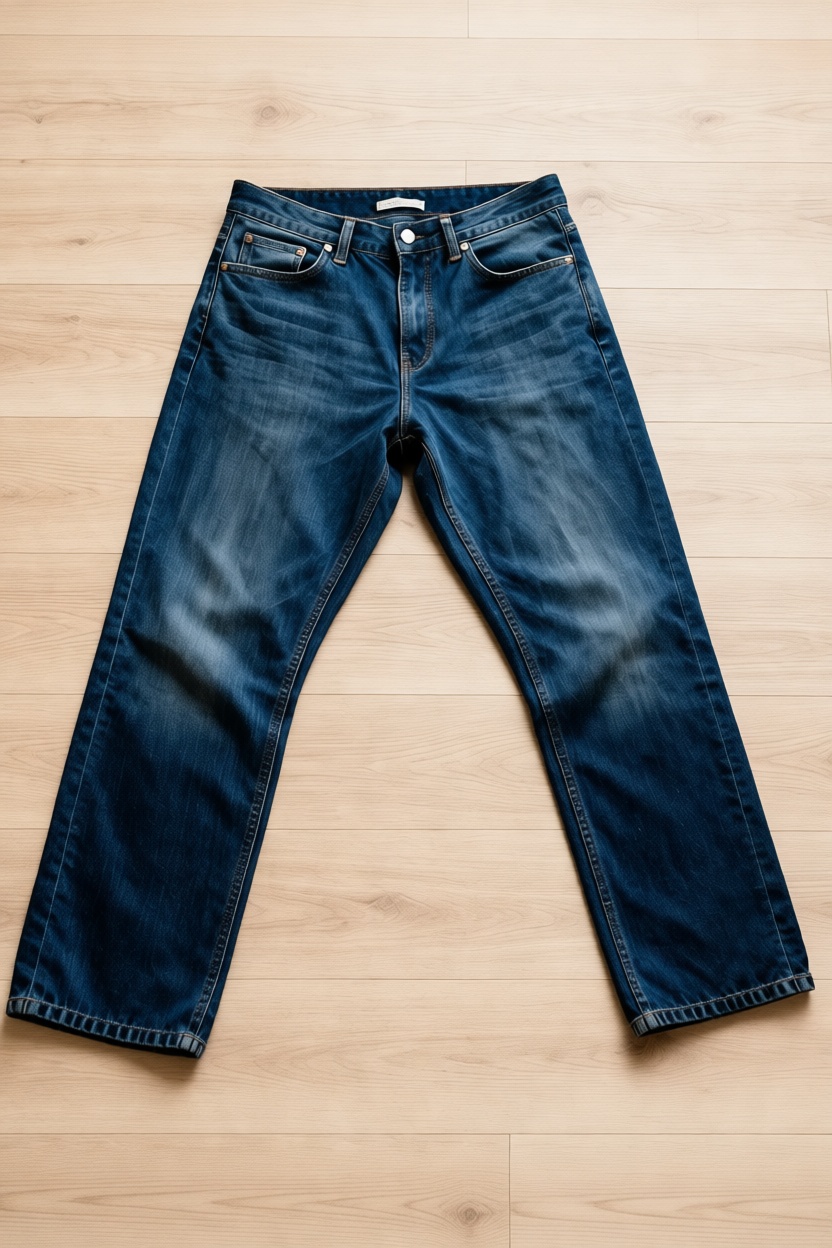
9:16 story

Why this is different from a single marketing image
ImageFix already has a Marketing Image blueprint for creating one polished product image in a chosen style and ratio. Marketplace Listing Kit is different because it is a small production pipeline.
The goal is not to pick one marketplace or one final crop. The goal is to create a reusable set:
- First, make the product cleaner and more listing-ready.
- Then, check that the generated product still matches the original.
- Then, create multiple aspect ratios using AI instead of a deterministic crop.
That last step is the value. Simple crops are fast, but they can cut off the product, leave the wrong amount of empty space, or make a tall placement look like a square image squeezed into a vertical box. Marketplace Listing Kit asks the image model to keep the image the same while rendering it for the target ratio, which gives the output room to be composed correctly.
When to use Marketplace Listing Kit
Use this blueprint when you want one product photo to become a ready-to-use listing set.
It is a strong fit for:
- Etsy, Shopify, Amazon Handmade, TikTok Shop, and marketplace sellers
- Handmade goods, apparel, accessories, home goods, skincare, candles, and packaged products
- Sellers who need product photos for both listings and social promotion
- Teams that want consistent images across shop cards, pins, and vertical posts
It is especially useful when the product shape does not crop cleanly. Long items, tall packaging, apparel, bottles, art prints, books, and bundles often need more thoughtful composition than a center crop can provide.
Input photo tips
Start with a clear photo where the product is visible and mostly unobstructed. The blueprint can improve lighting, background, and composition, but it still needs enough product detail to preserve the real item.
For best results:
- Keep the full product in frame.
- Avoid heavy shadows across important details.
- Make labels, seams, logos, or packaging text as readable as possible.
- Use one main product per image unless the listing is for a bundle.
- Avoid screenshots, collages, and photos where the product is tiny in the frame.
The cleaner the reference photo, the easier it is for the blueprint to preserve product identity while creating the listing set.
Create the listing kit
To try it:
- Upload a clear product photo to ImageFix.
- Open the Marketplace Listing Kit blueprint.
- Choose the background style that fits the product.
- Run the blueprint.
- Download the square main image and the three AI-resized variants.
The result is a practical product-photo set: one clean listing image plus three format-ready assets that can move into product cards, pins, stories, and social commerce without starting over from scratch.